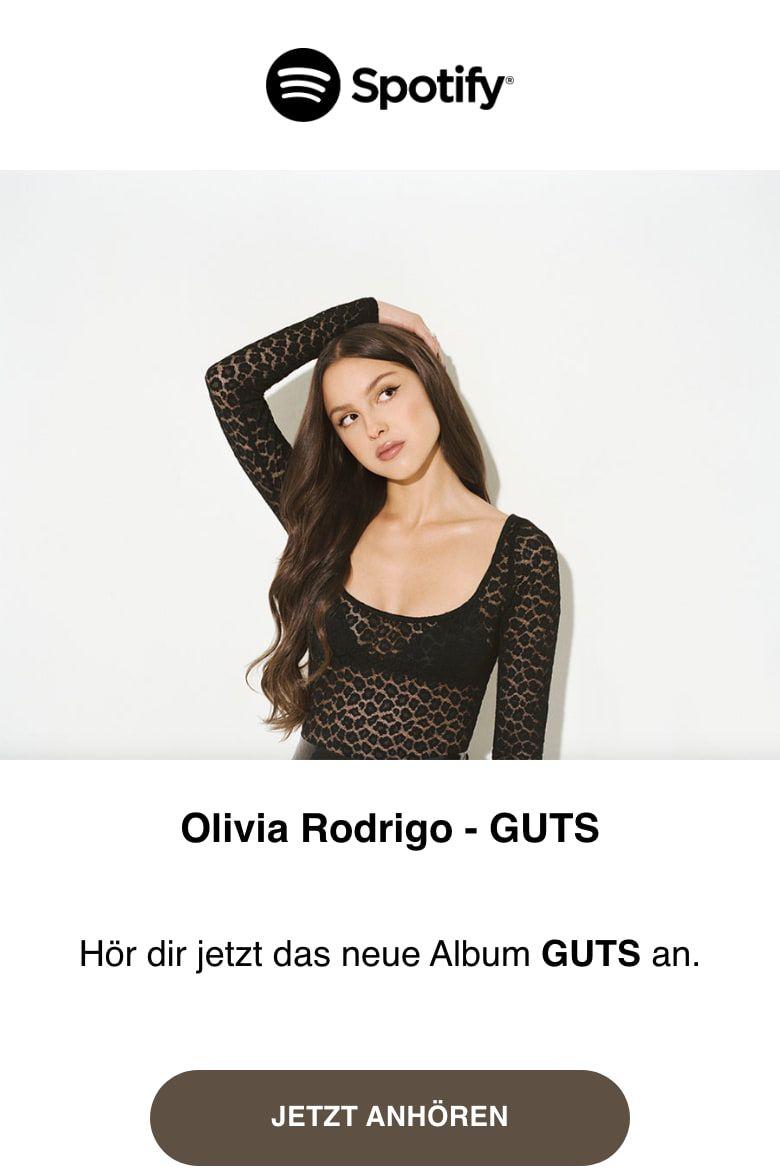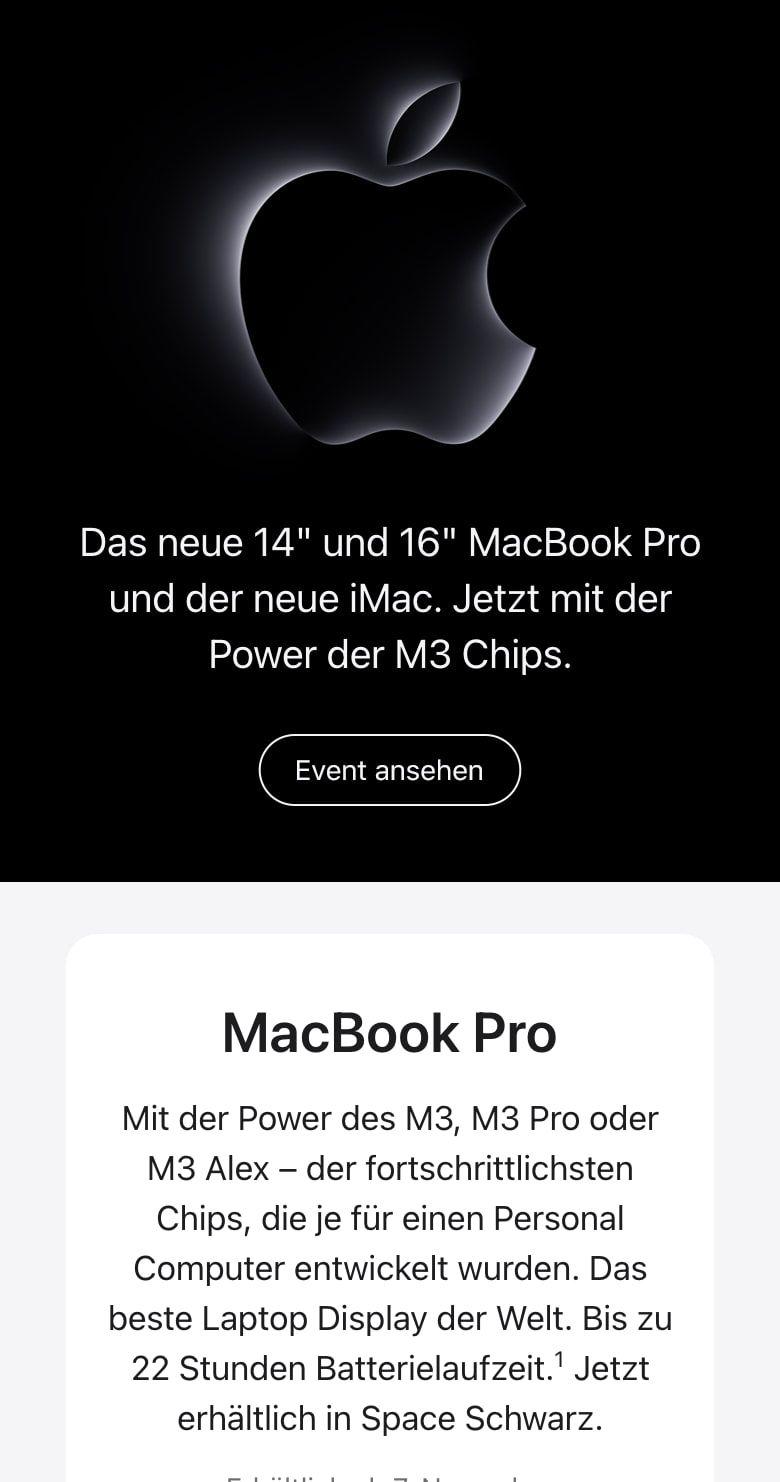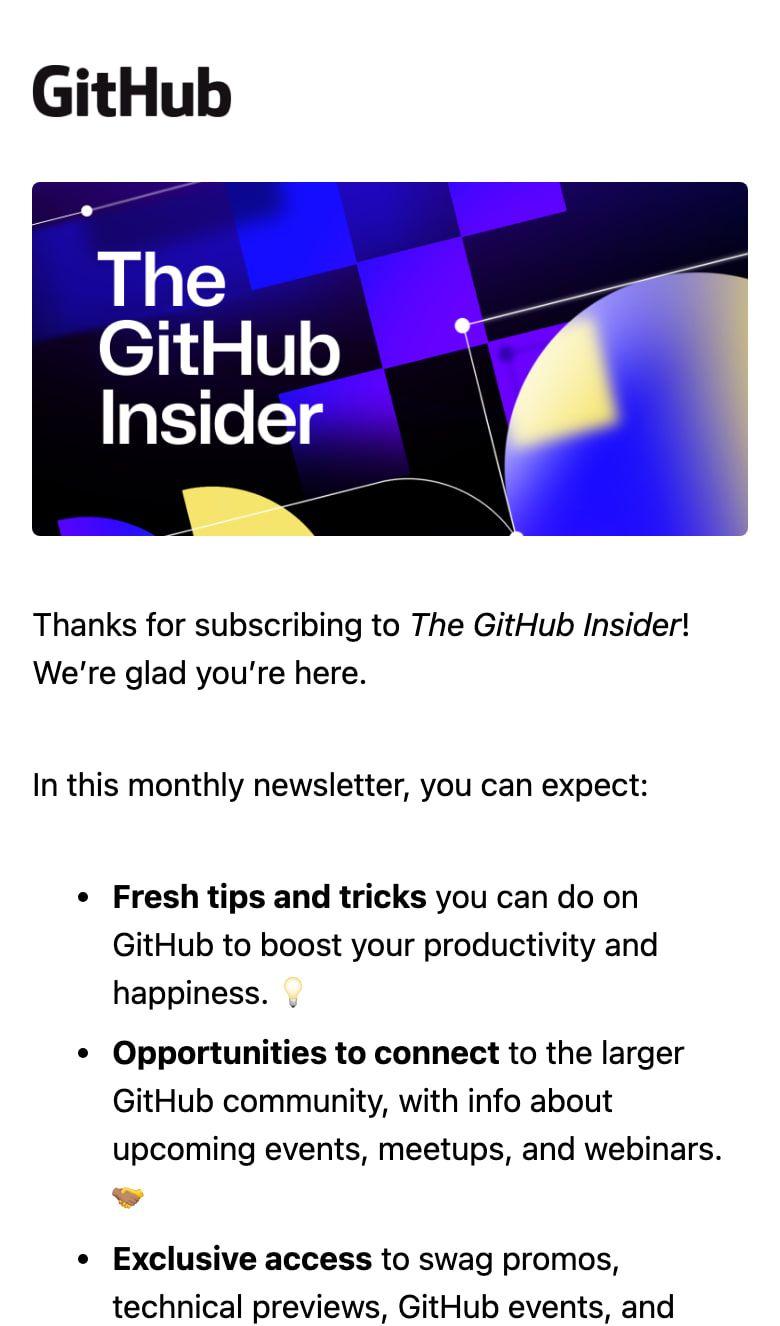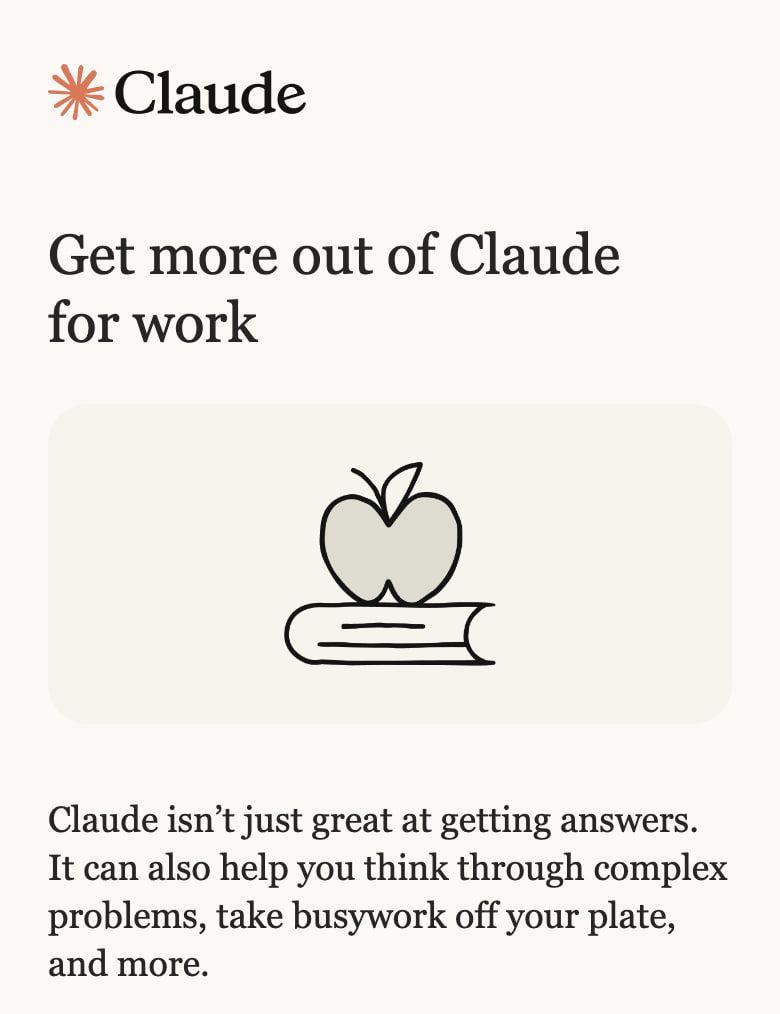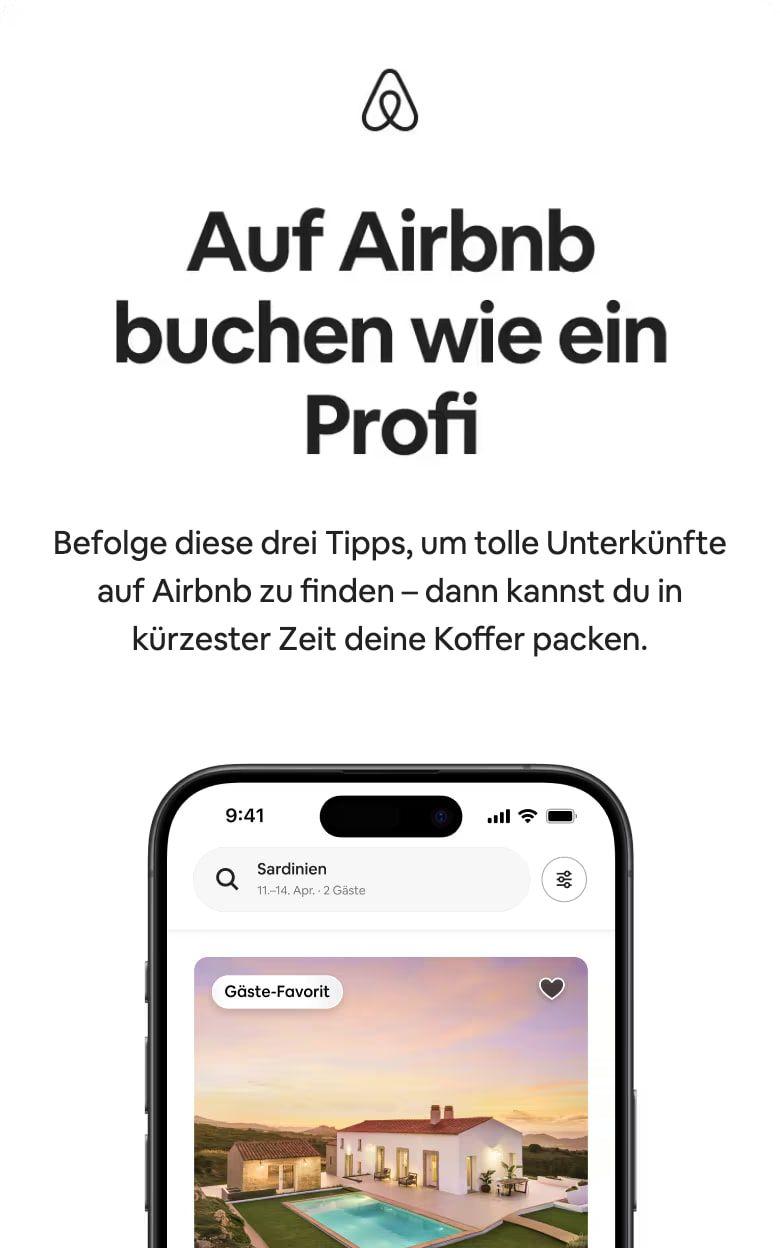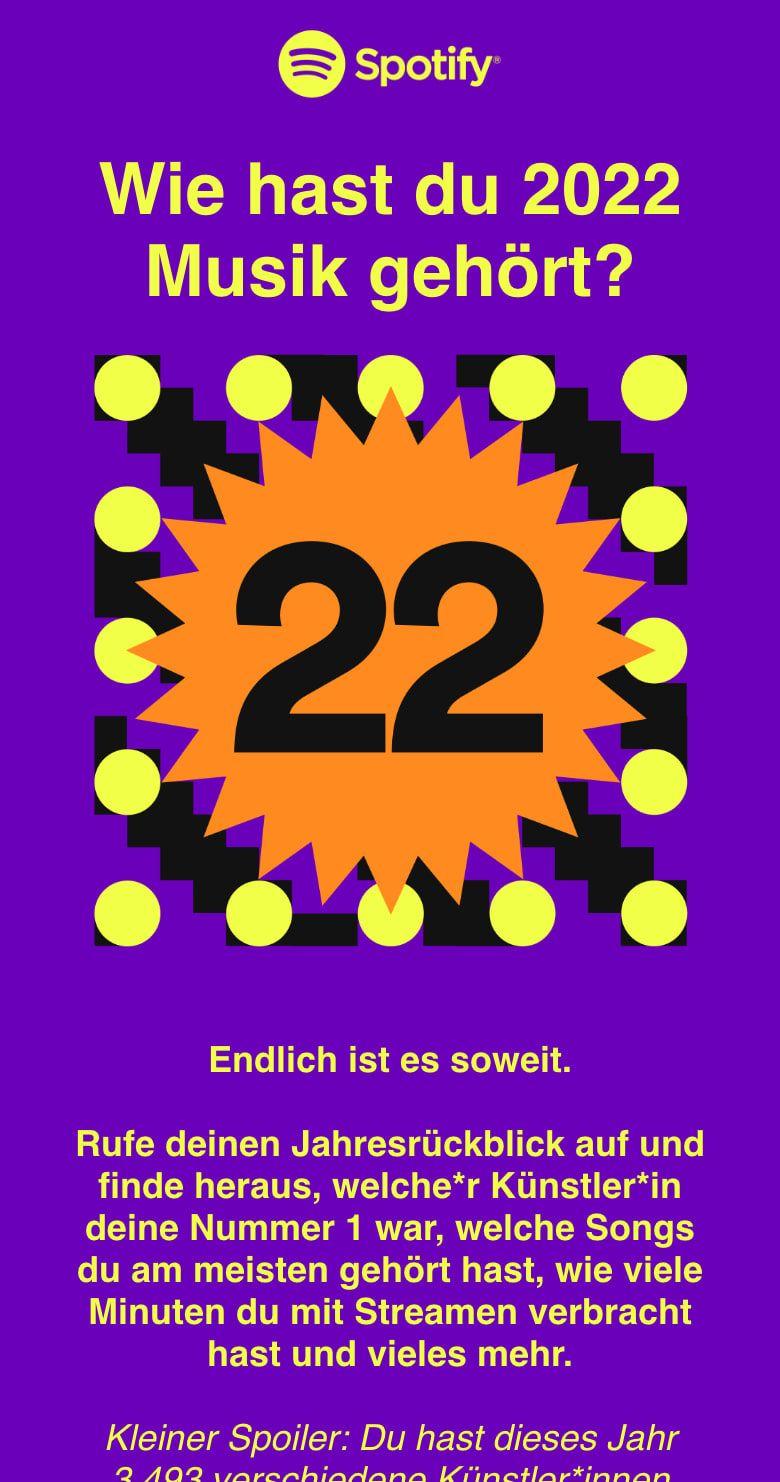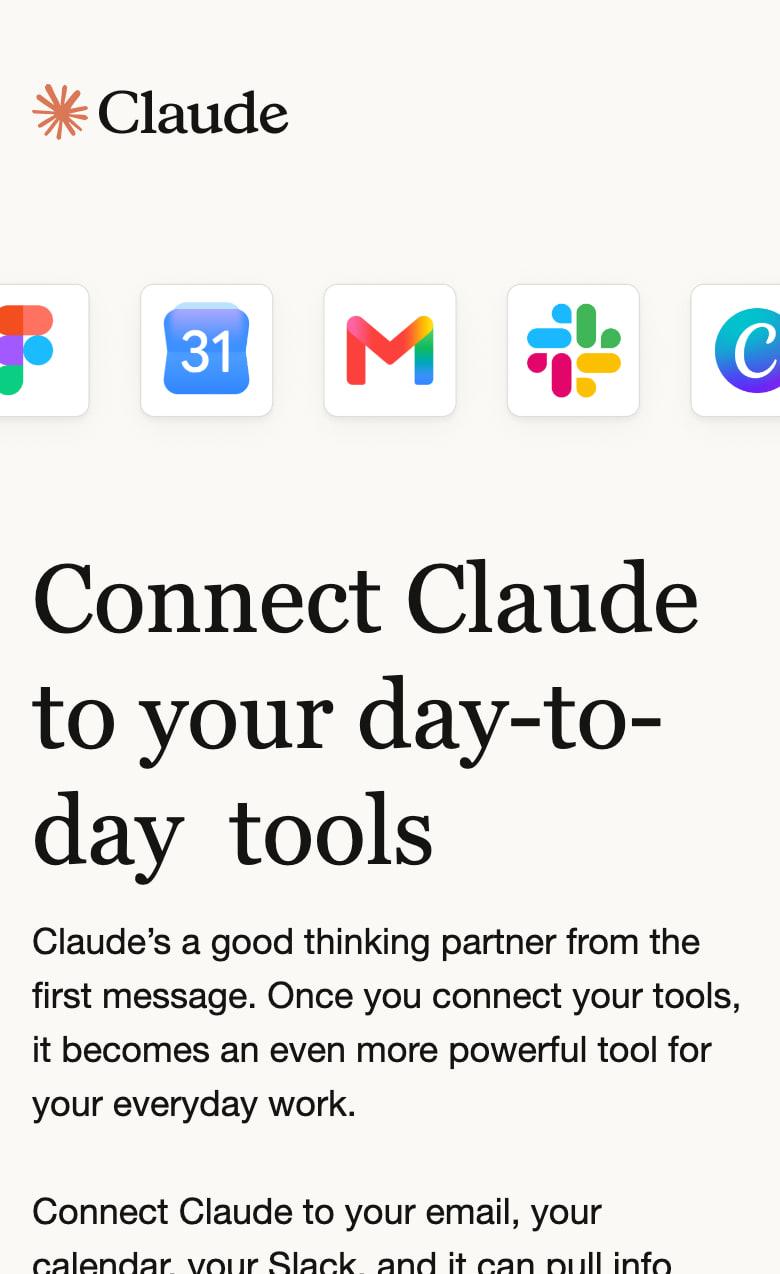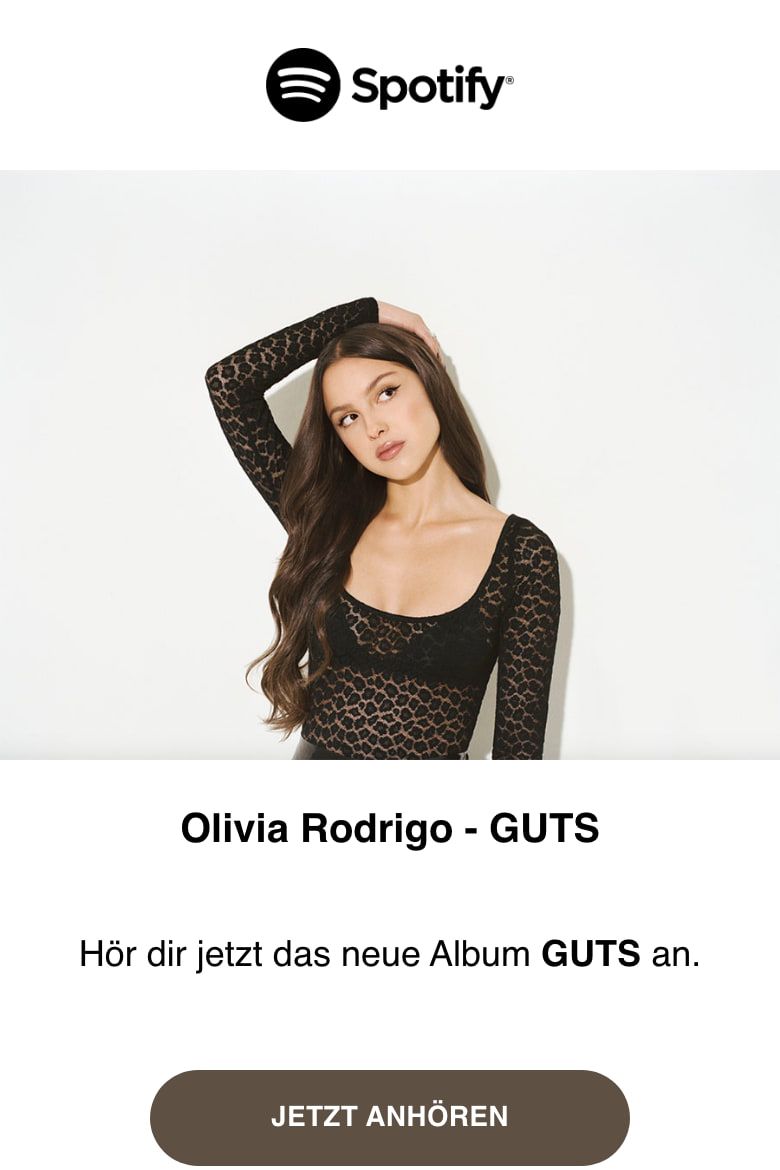

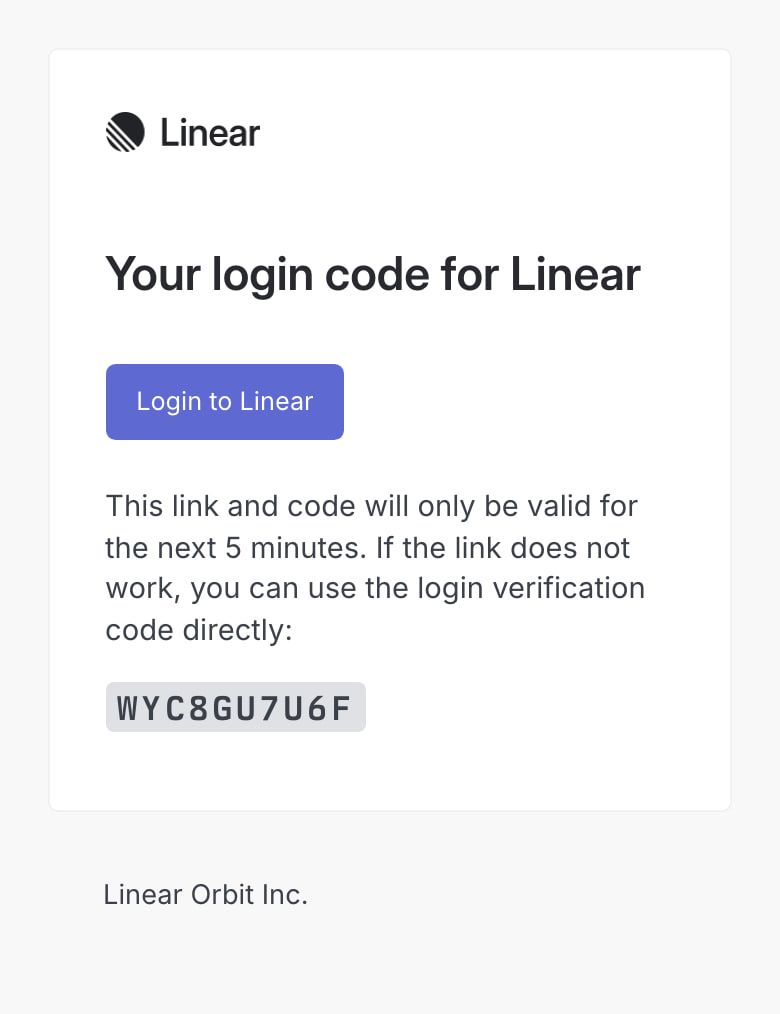
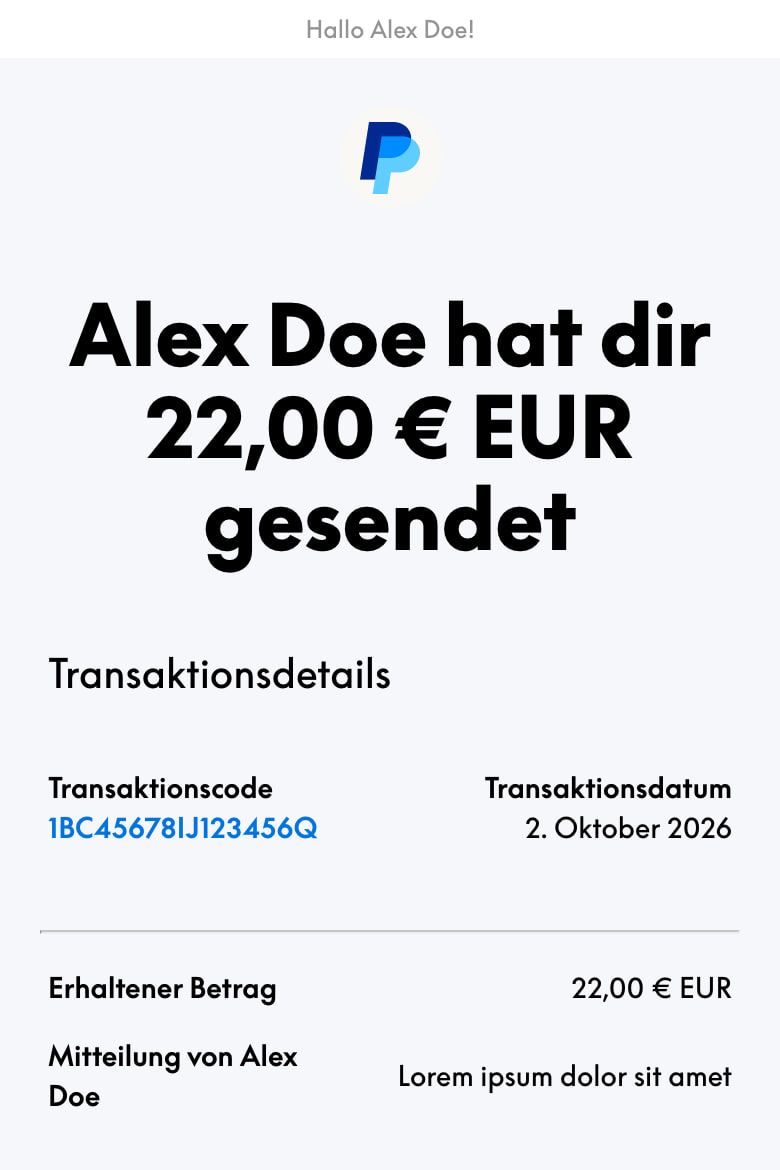
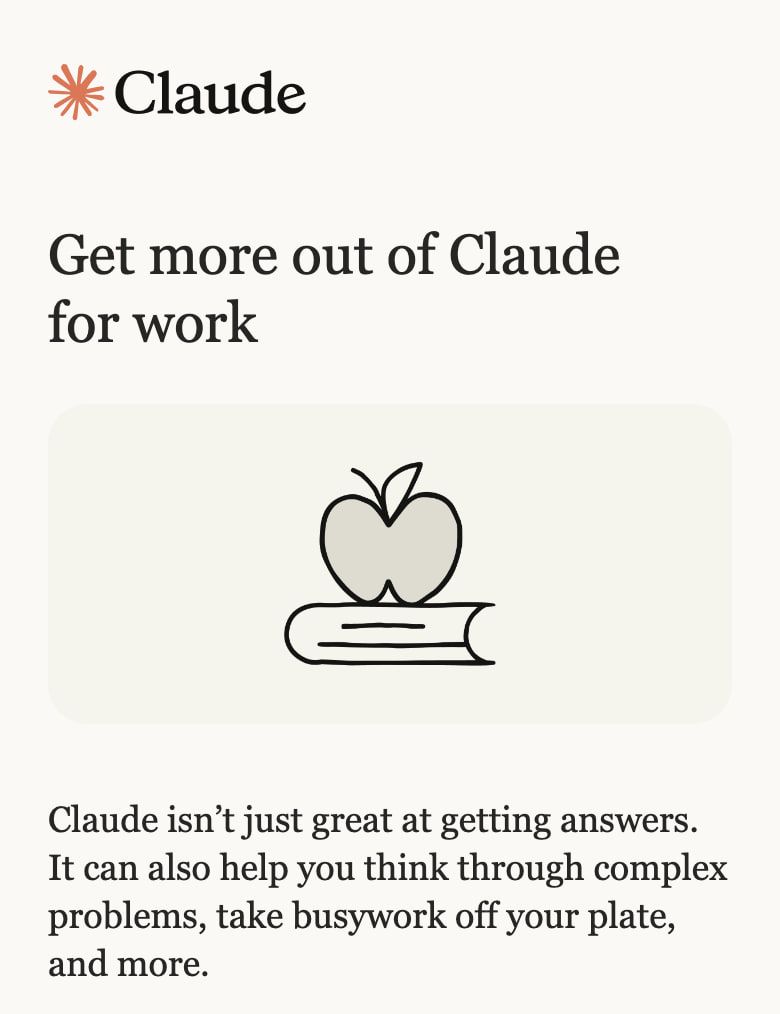
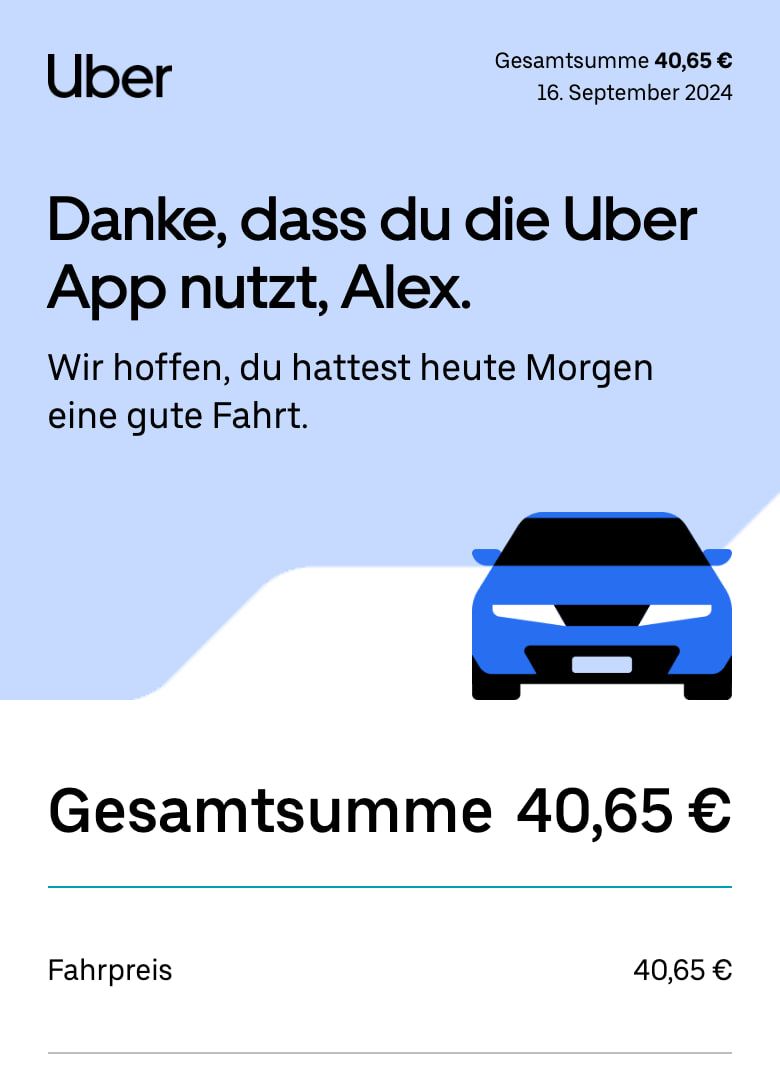

Old logoNew logoNew look, same tool.

Ad ·Email Design ArchiveDiscover email designs and get inspired. Real emails from Spotify, Apple, Airbnb, Notion and more, by brand, type and component.

Get a full-length PNG of any email

or send the email to

Waiting for emails…

How to screenshot an email

Three steps, nothing to install. Send tests straight from Mailchimp, Klaviyo or any email marketing tool, or upload an .eml file exported from your mail client.

  1. 1

    Send a test or upload

    Send a test email from Mailchimp, Klaviyo or any email marketing tool to your private address. Or upload an .eml file.

  2. 2

    We render it

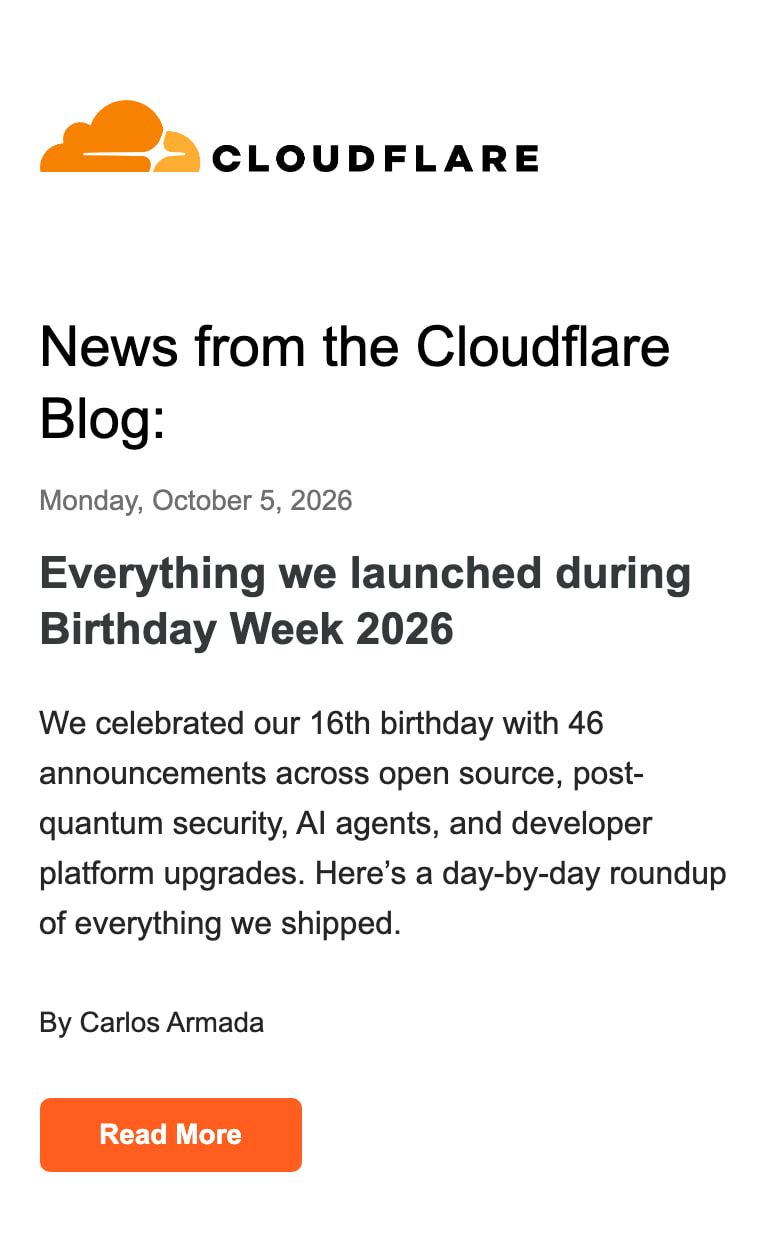
    The HTML email is rendered in a 700 px wide viewport, the standard width for email design.

  3. 3

    Download the PNG

    You get one full-length PNG per email. Sent several tests? Download them all at once.

What you get

Every email, as one clean PNG

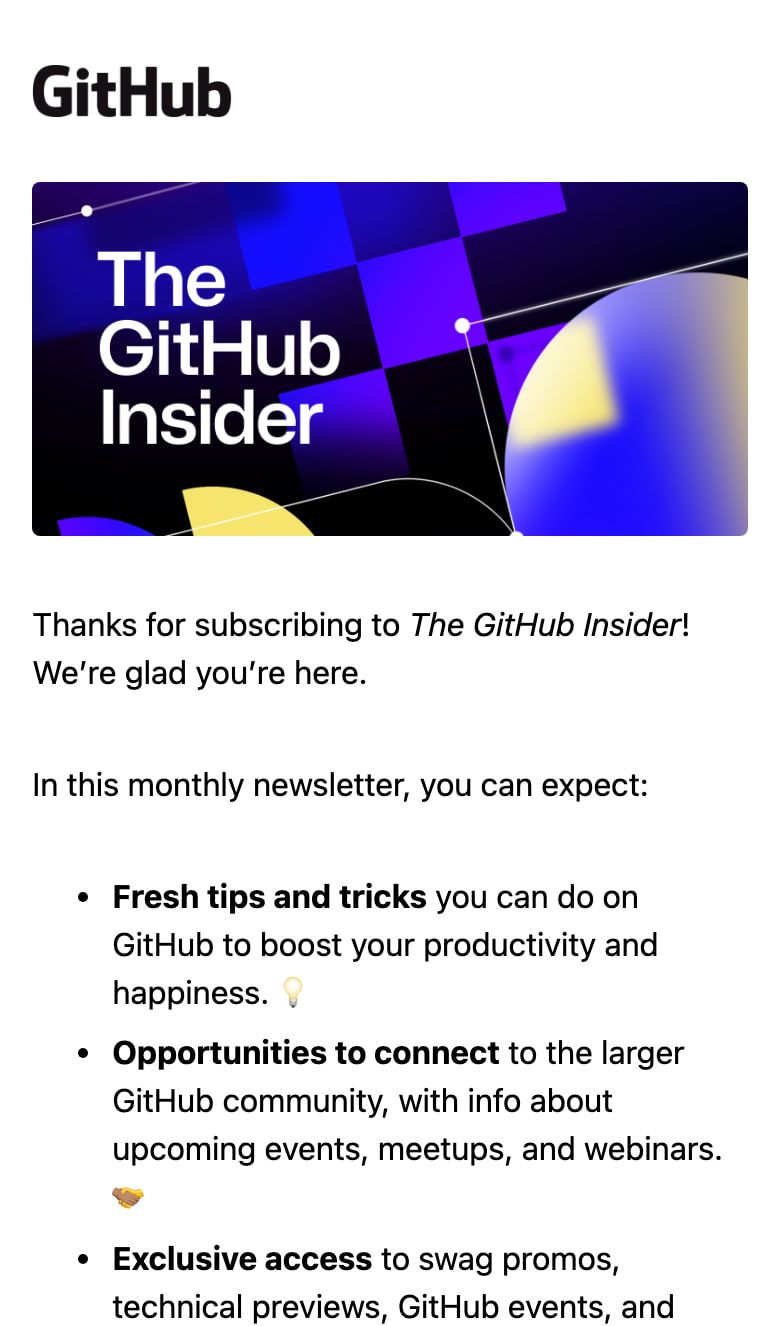
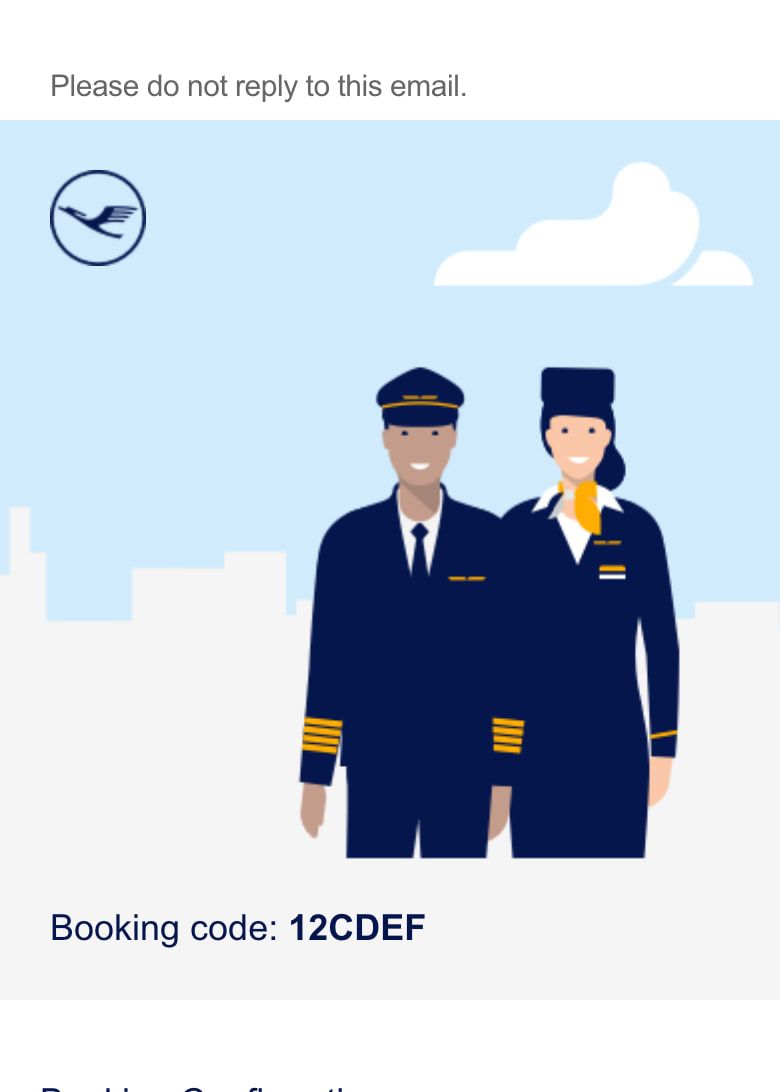
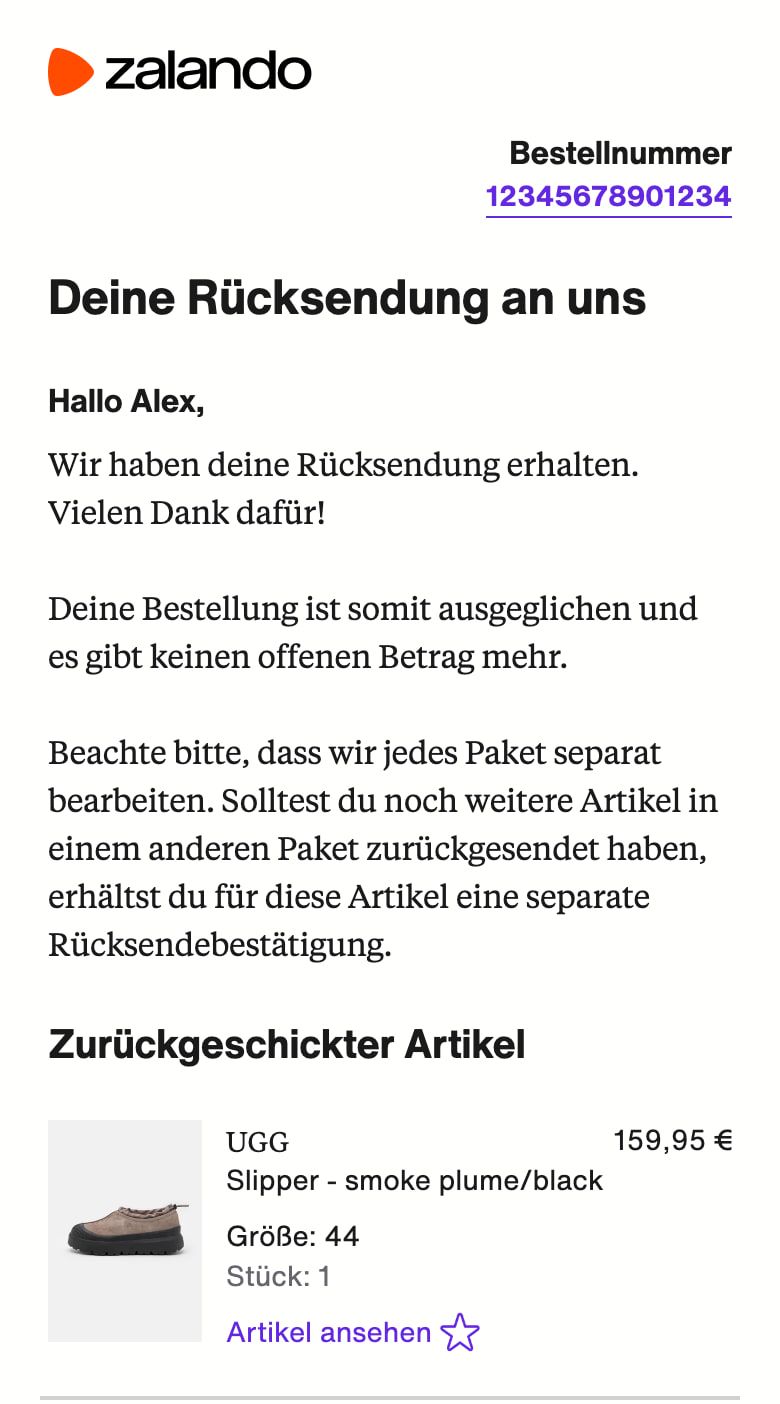
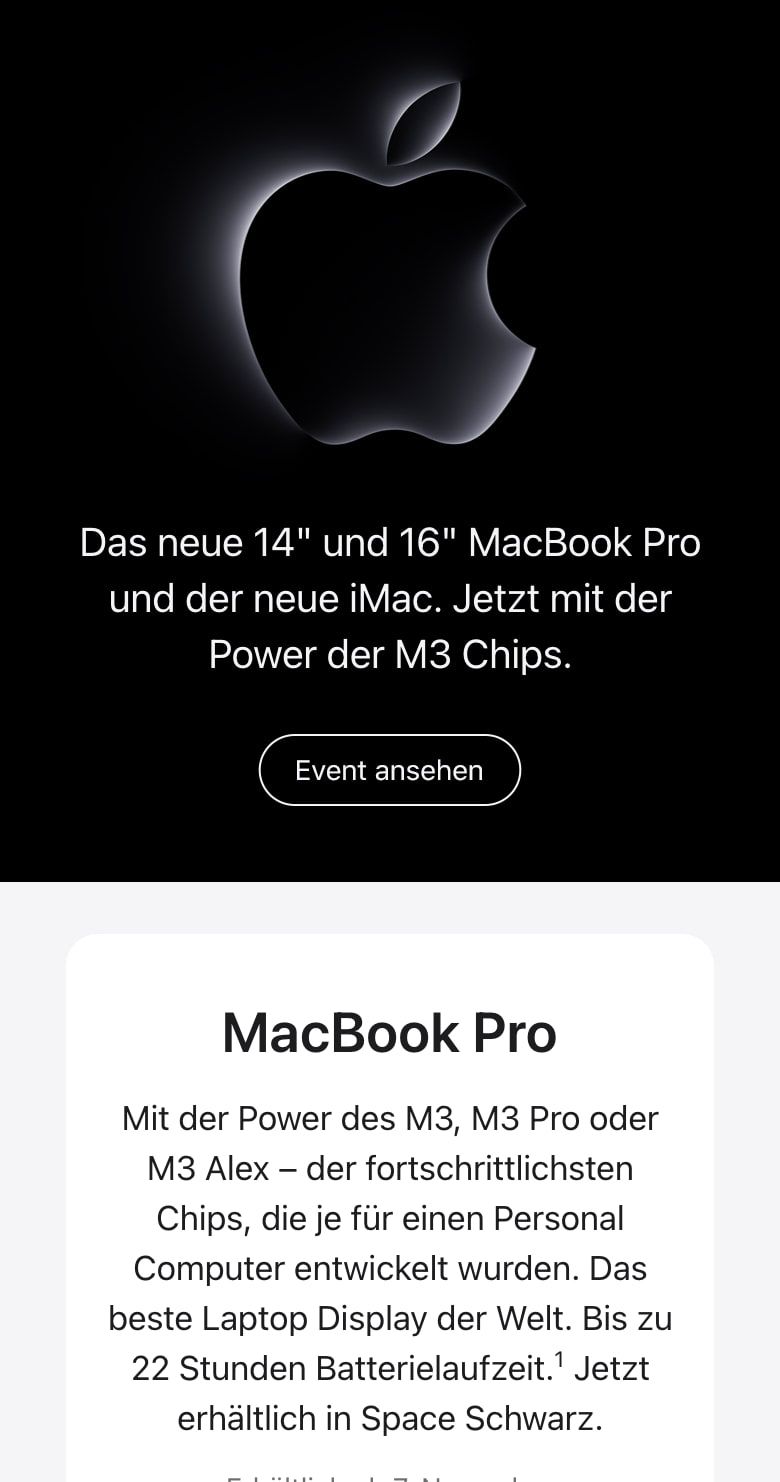
Built for email marketers who need to show a campaign, not just send it. Send a test from your email marketing tool, get a full-length screenshot and share it anywhere.

Full-length PNG.
The whole email, top to bottom, in one image. No scrolling screenshots, no stitching.
Built for test sends.
Add your private address as a test recipient in Mailchimp, Klaviyo, Brevo or any email marketing tool.
700 px wide.
Rendered at the standard width for email design, the width you designed for.
.eml upload.
Exported an email from your mail client? Upload it, up to 1 MB. Uploads are never stored.
Private by default.
Only you can see your screenshots. Test emails are deleted after 30 days.
Free, no account.
No sign-up and no watermark on your PNG.

Use cases

What people use email screenshots for

Frequently asked questions

Email Screenshot Generator (mailscreenshot.com) is a free online tool that turns any HTML email into one full-length PNG image. Send a test email to your private address or upload an .eml file, and download the screenshot in seconds.

Send the email to the private address shown at the top of this page, or upload it as an .eml file. Email Screenshot Generator renders the whole email from top to bottom as a single PNG, so you don't need scrolling screenshots or stitching.

Add your private address as a test recipient and send a test email. This works with Mailchimp, Klaviyo, Brevo, HubSpot, Customer.io and any other email marketing tool that can send test emails. The screenshot is ready to download on this page a few moments later.

In Gmail, open the email, click the three-dot menu and choose "Download message". In Apple Mail and Thunderbird, use File › Save As. Most other mail clients have a similar "Save as" or "Download" option.

Emails are rendered in a 700-pixel-wide viewport, the standard width for email design, at 2x resolution. The PNG is 1,400 pixels wide and as tall as the email, so it stays sharp in slides, docs and on retina screens.

Yes. Send as many test emails to your private address as you like, then download all finished screenshots with one click.

Yes. It's free to use, with no sign-up and no watermark on your PNG.

No. There's no sign-up: open the page, copy your private address or upload an .eml file, and download your PNG.

No. Your test address is randomly generated for your browser session, and only you can download its screenshots.

Uploaded .eml files are turned into a PNG and not stored. Test emails sent to your private address and their screenshots are deleted after 30 days.

HTML emails. Uploads must be .eml files of up to 1 MB, and test emails need an HTML version. Plain-text emails aren't supported, they're boring anyway!